
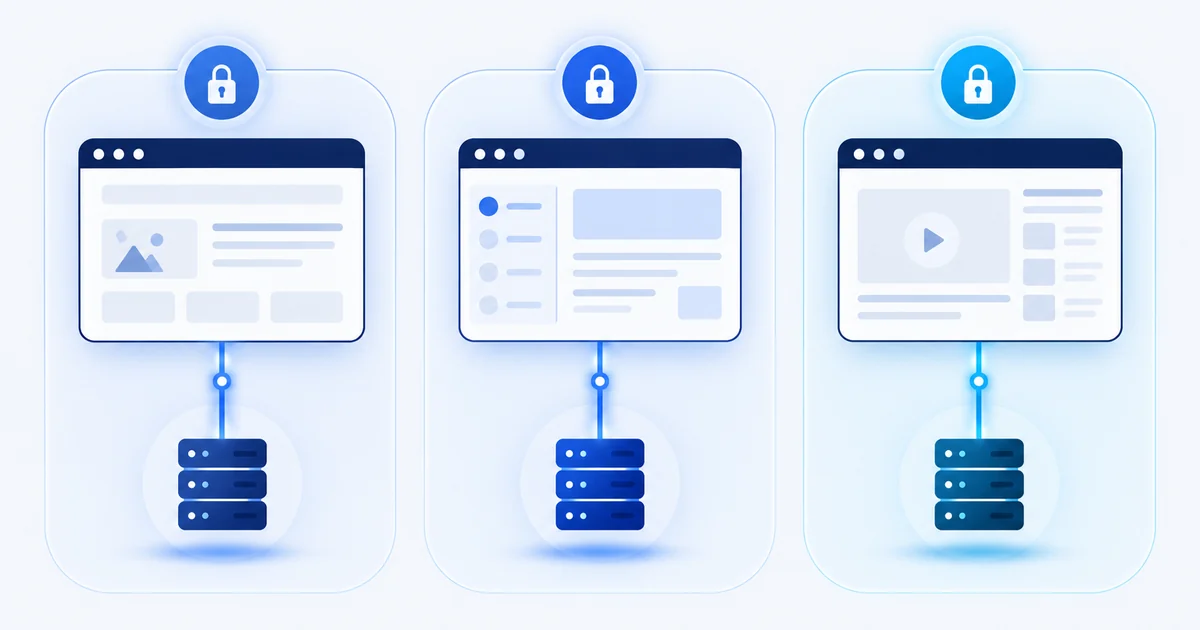
To manage multiple accounts safely, keep each one in its own isolated browser profile, give each a consistent network and settings, protect each login with a strong password and two-factor authentication, and check each platform’s rules before you start. The aim is to stop accounts mixing by accident, through shared cookies, a shared network, or settings that contradict each other.
Why do people run multiple accounts?
There are many ordinary reasons:
- Agencies and freelancers manage social media, advertising and store accounts for several clients.
- Sellers run separate stores or brands.
- Affiliate marketers test campaigns and manage accounts on several networks and platforms.
- Developers and testers check how a site behaves for different users or regions.
- Privacy-minded people keep work, personal and private browsing apart.
In each case the problem is the same: one browser mixes everything together.
First: what do the platforms allow?
Before you open a second account on any platform, read its rules. Some platforms allow several accounts for separate purposes. Others limit you to one per person, or require that accounts managed for others are linked in an official way, such as a business manager or agency access. Breaking those rules can get all your accounts closed, whatever tools you use.
A good habit is to note, per platform, what the terms say about multiple accounts and who the account belongs to. If you manage accounts for clients, use the platform’s own tools for delegated access where they exist.
This guide is about keeping legitimate accounts organised and separate. It isn’t a way around a platform’s rules.
How does one browser mix your accounts together?
A normal browser keeps one set of everything. That causes four kinds of mix-up:
- Cookies and logins. Sites remember you through cookies and local storage. Logging into two accounts in one browser means they share that memory, or sign each other out.
- Browser fingerprint. Your browser reports many ordinary details such as screen size, fonts and graphics hardware. Together they can identify one device. Two accounts from one browser share that identity. Our guide to browser fingerprinting explains how.
- Network address. Every account you open from the same connection shares one IP address.
- Human error. It’s easy to post from the wrong account when ten tabs are open.
What are the building blocks of a safe setup?
1. One profile per account (or per client). A profile is a separate browser space with its own cookies, storage and settings. Nothing is shared between profiles, so logging in to one cannot affect another. Give each profile a clear name, such as the client and platform.
2. Consistent settings inside each profile. Inside a profile, the details should agree with each other: the time zone and language should fit the country of the network address, and the operating system, browser and fonts should fit together. Settings that contradict each other look odd to a site and make a profile easier to flag than a plain, ordinary one.
3. A clean network per profile. If accounts must not be linked by network, give each profile its own proxy address in the right region, and test it for leaks. Our guides to SOCKS5 and HTTP proxies and to WebRTC and DNS leaks cover how.
4. Strong access control. Use a password manager so each account has its own long, unique password. Turn on two-factor authentication wherever it’s offered, and keep recovery email addresses under your control. If you share access with a team, share through the platform’s own roles and not by passing passwords around.
5. Good habits. – Open each account only from its own profile. – Don’t copy cookies or logins between profiles. – Start new accounts gently: a sudden burst of activity from a brand-new account can trigger a platform’s checks. – Keep a simple log of which account lives in which profile, with which proxy.
A simple example workflow
An agency manages three client advertising accounts.
- It creates three profiles, one per client, named “ClientA-ads”, “ClientB-ads” and “ClientC-ads”.
- Each profile gets its own proxy in the client’s country, and a matching time zone and language.
- Each client account is accessed only inside its profile, using the platform’s delegated-access feature where it exists.
- Passwords sit in the team’s password manager, with two-factor authentication on.
- Every month someone checks that each profile still passes a leak test, and that proxies still work.
Where does VANE fit in?
A tool like VANE gives you the profiles, the per-profile settings and per-profile proxy support in one place, so you don’t build this by hand. Whatever you use, the rules above still apply: respect each platform’s terms, keep settings consistent, and test.
Frequently asked questions
Is it legal to have multiple accounts?
Usually yes, but it depends on the platform’s terms and on local law. Many platforms allow several accounts in some situations and forbid them in others. Read the terms for each one.
What is the difference between a browser profile and an incognito window?
An incognito window forgets cookies when you close it, but it still shares your device details and network with every other window. A profile keeps its own cookies and storage separately and permanently, and a multi-profile browser can also give each profile its own settings and network.
Do I need a different proxy for every account?
If accounts shouldn’t be linked by network address, yes: one address per account or client. Check your proxy provider’s rules.
Can accounts still be linked in other ways?
Yes. Platforms can use payment details, phone numbers, email addresses and behaviour as well as technical signals. Separate profiles reduce technical links, but they don’t change what the platform’s rules allow.
How many accounts can one person manage this way?
There’s no fixed number. It depends on your time, your care with each profile, and the platform’s rules. A clear naming scheme and a simple log help more than any tool.
Key takeaways
- Read each platform’s rules first. Separation tools don’t replace them.
- One profile per account keeps cookies and storage apart.
- Keep each profile’s settings consistent, and give it its own network if needed.
- Use a password manager and two-factor authentication.
- Test regularly.
Last updated: 2026-10-26. By the VANE Team.